

Wealthfolio 3.10.0 — Release Notes
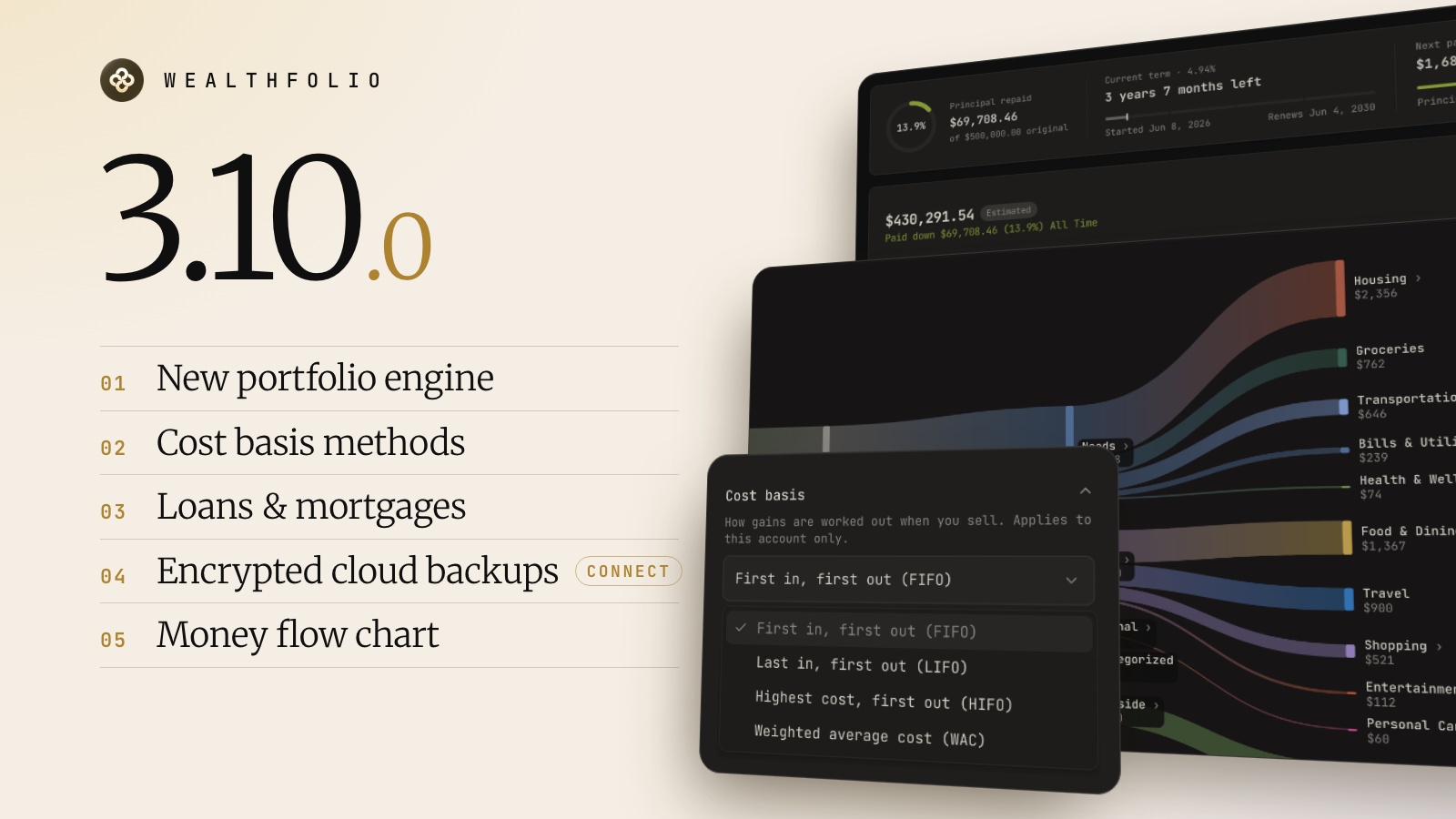
Wealthfolio 3.10 introduces a new calculation engine and adds cost basis methods, loans and mortgages, and encrypted cloud backups. Return of capital now adjusts cost basis, Spending gets a money flow chart, and AI agents get more MCP tools. This release also fixes many issues in imports, quotes, Connect, Linux, and mobile.
Using device sync? Update all your devices to 3.10. Version 3.9.1 can’t calculate accounts set to WAC, LIFO, or HIFO, or read the new return-of-capital entries.
A new portfolio engine
Holdings, cash, valuations, and returns now come from one engine on desktop, mobile, and the server. It fixes many edge cases in transfers, shorts, splits, currency conversion, and rounding.
The first launch after updating recalculates your history, after making a backup. On a 13-account portfolio this took about 20 seconds. Where the old calculation was wrong, some derived numbers can change slightly: cost basis, realized gains, and past values. Your activities and prices are not changed.
Cost basis methods
Each transaction-tracked account can use FIFO, weighted average cost (WAC), LIFO, or HIFO. Cross-account ACB and picking specific lots are not supported yet.
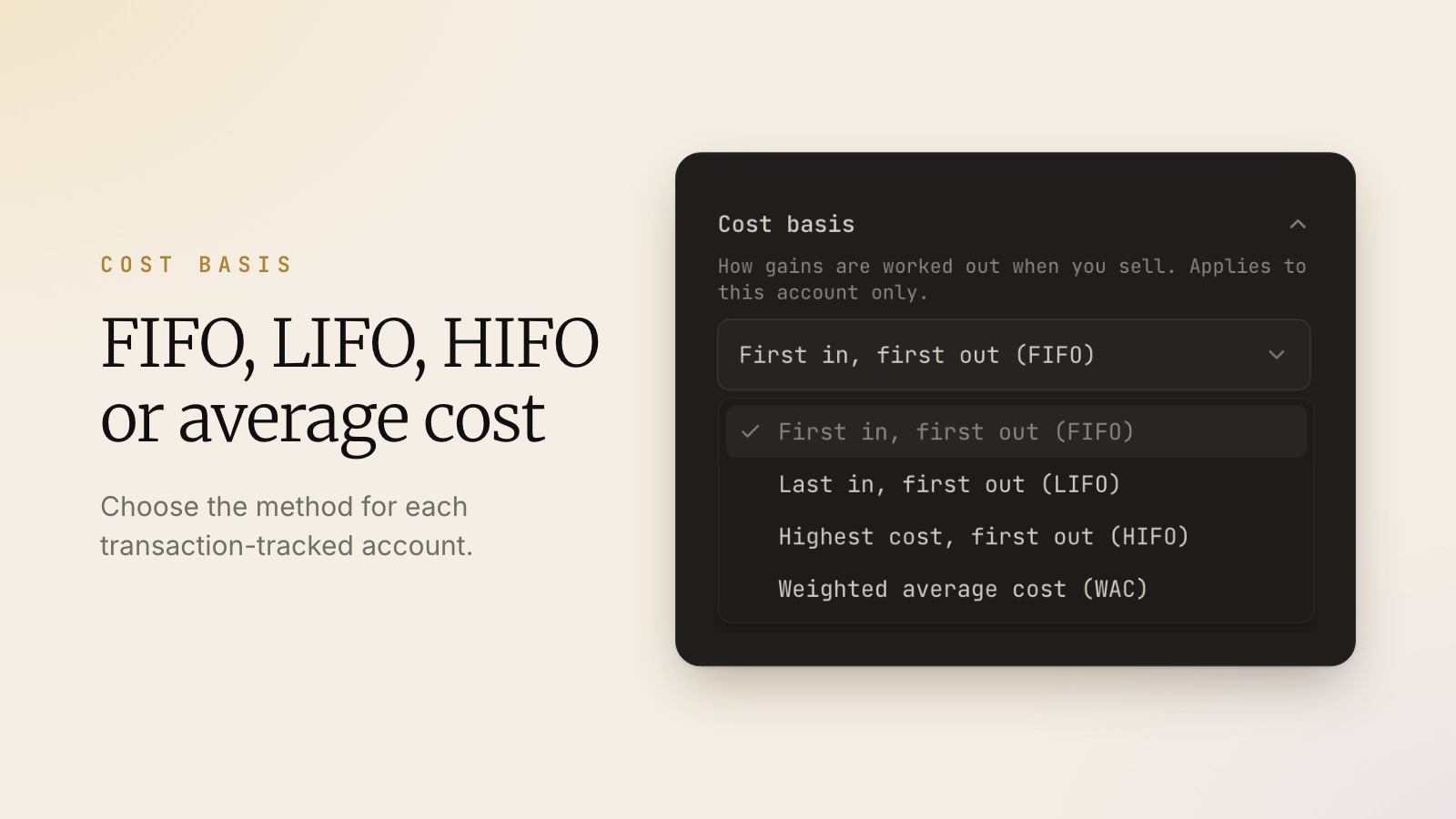
Return of capital and notional distributions now adjust cost basis instead of counting as income.
Loans and mortgages
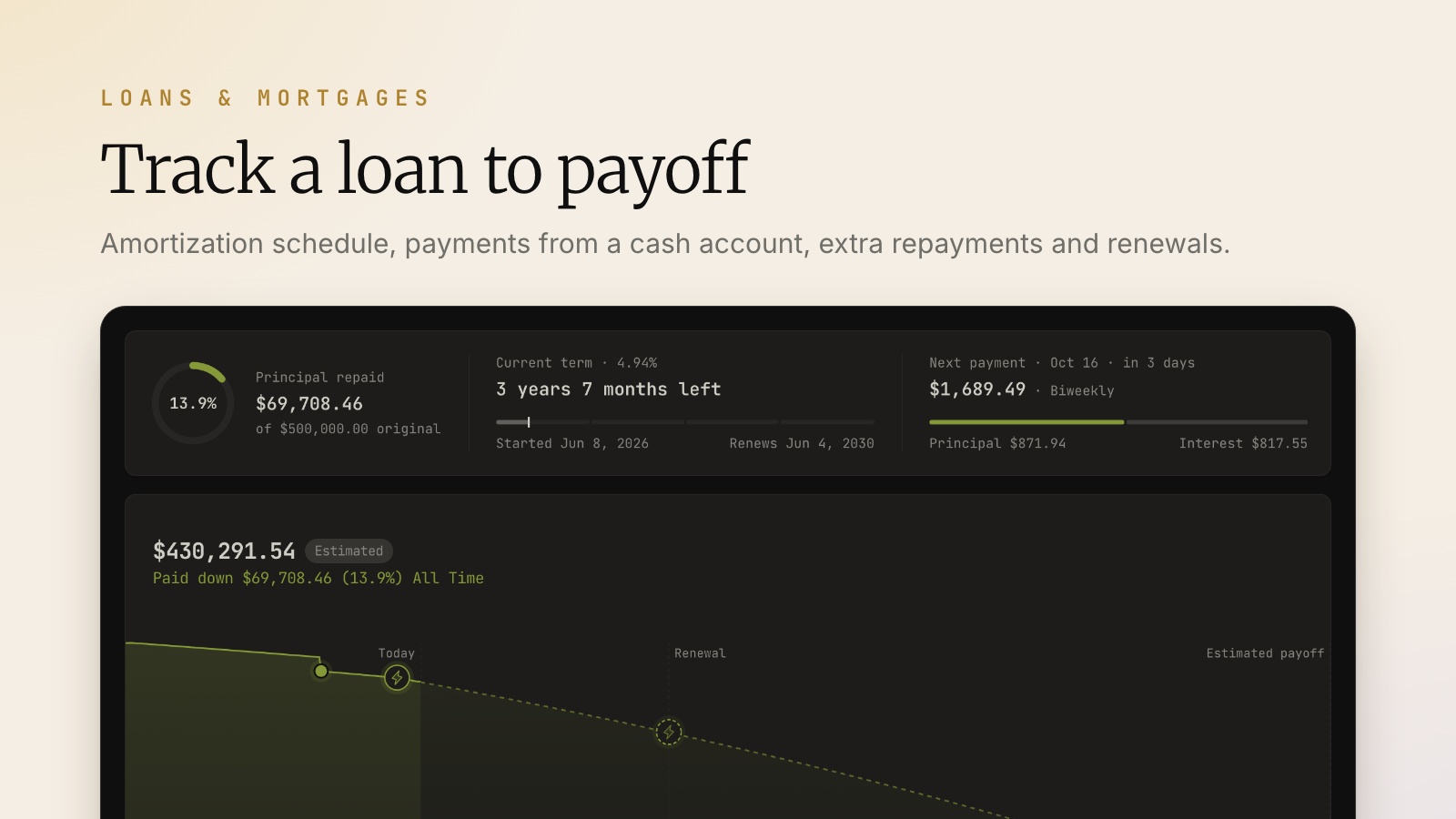
Track a liability as a loan, with an amortization schedule, payments from a cash account, extra repayments, renewals, and confirmed balances.
Encrypted cloud backups
Wealthfolio Connect subscribers get a daily backup of one profile, plus Back up now. Backups are encrypted before upload, so the cloud only sees ciphertext, and can be up to 256 MiB. Restore is available in the desktop app only; self-hosted servers restore with the offline CLI.
Spending
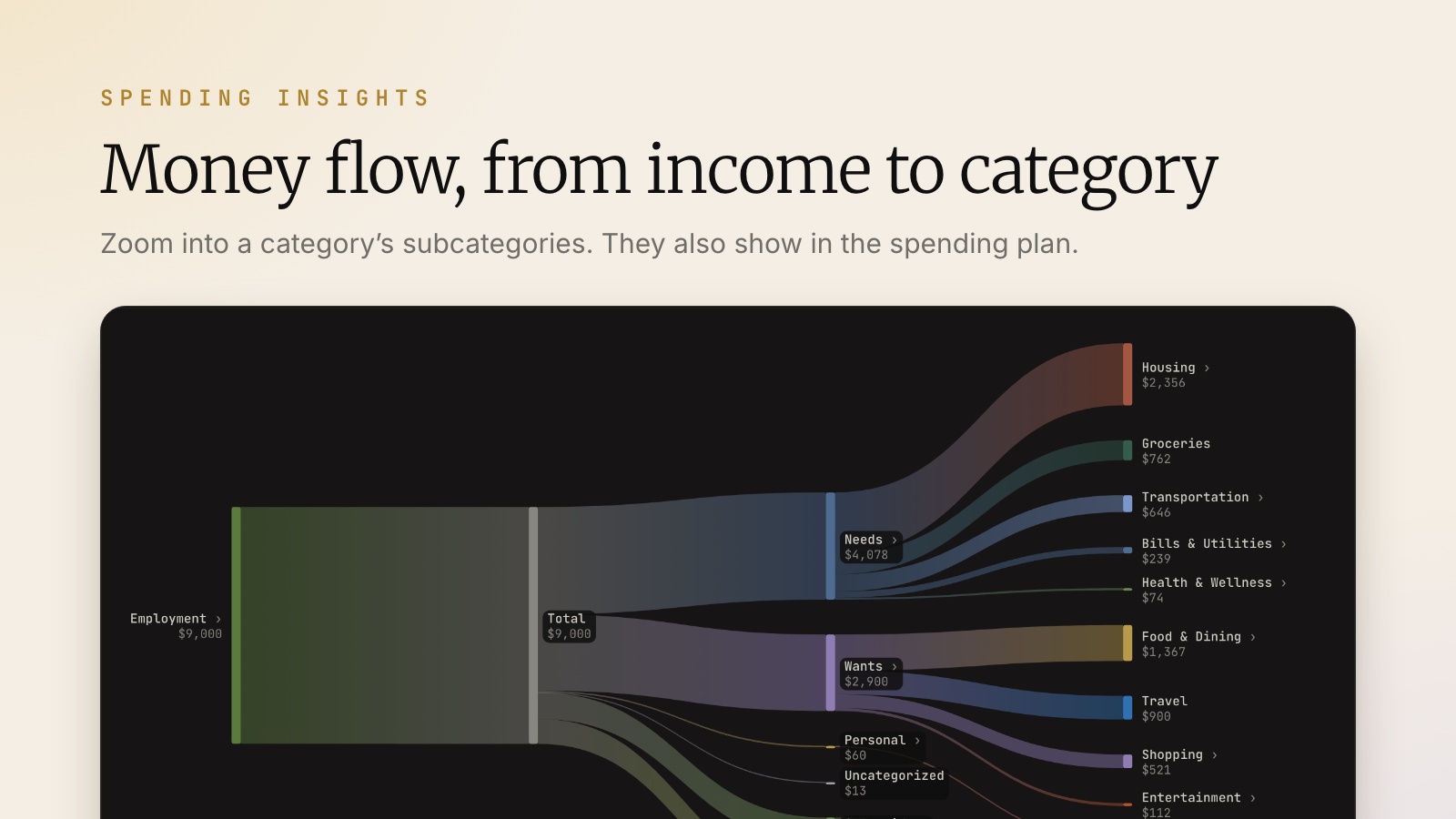
Spending Insights has a new money flow chart. You can zoom into a category’s subcategories, and subcategories also show in the spending plan. Merchant rules are now available for France, Germany, and the Netherlands.
AI agents (MCP)
New MCP tools let AI agents link transfers, import quotes, update activities, and categorize transactions.
For self-hosters
No configuration changes are needed. CSV imports over 2 MB (a few thousand rows) no longer fail with 413 Payload Too Large, and an unusable secrets file now gives a clear error.
Docker images are tagged 3.10.0, 3.10, and latest. If you pin the 3.9 tag, change it to 3.10 to update.
More improvements and fixes
- Activities and imports: clicking a row opens it for editing, and duplicating an activity uses today’s date and keeps its notes. Investment CSV imports no longer require an Amount column. The Transactions table remembers which columns you show, and Schwab “as of” dates import correctly.
- Transfers: credit card accounts can send cash transfers, and a cash transfer can use a different currency on each side.
- Investments: filter the dashboard by a saved portfolio, remembered per profile. Hidden accounts count in their group’s total, long performance charts load faster, and all-time benchmarks start where your accounts start. After a full transfer to another account, asset pages show income and gains from both accounts.
- Asset and loan details: unsaved edits are no longer reset by a background portfolio update.
- Prices and quotes: new custom price providers apply only to the securities assigned to them; existing ones keep their fallback. The quote CSV import shows the server’s error, no longer gets stuck after a failed import, and no longer mixes up two files picked one after the other. An Open, High, or Low left untouched saves as the close.
- Securities: ETFs no longer show part of their value as Unknown in Sectors, and weights reported above 100% are read correctly. A synced bond reported by CUSIP and by ISIN stays one security, and Treasury prices are no longer calculated from incomplete terms. Exchanges come from the full ISO 10383 list.
- Health Center flags accounts with negative cash.
- Connect: moves above Settings in the desktop sidebar, and the Sync & Connections page is redesigned around what needs attention. A brief connection drop no longer signs you out, and “Last synced” shows when sync last ran. Broker sync requests now include each account’s type and the broker’s account label, which Connect stores to diagnose mapping problems.
- Backups: a simpler Backups tab.
- Formatting regions: India, Austria, Romania, and Bulgaria.
- Windows: installers are signed (Teymz Inc.). SmartScreen may still warn for a while.
- Linux: the AppImage no longer opens a blank window on distributions with recent Mesa, such as Ubuntu 26.04. It now runs natively on Wayland; set
GDK_BACKEND=x11to use X11. The app also starts with aCorPOSIXlocale. - Mobile: Theme “System” follows the phone, and editing a quote keeps focus in the field and saves.
- Other fixes: accented, Chinese, or emoji characters no longer make some operations fail. Completed Spending months compare against the full previous month, and savings categories appear in the rule editor. Activities added through the AI assistant or MCP west of UTC keep their date. The desktop app closes its database cleanly on exit, and the recovery screen suggests unlocking secure storage before restoring a backup. Plus security updates and fixes to layout, translations, toasts, and navigation.
Thanks
Thanks to @jay-tau, @daviddphillips, @theluckystrike, @kryofin, @Jonjon-prog, @Bubbles840, @tiann, @salmonumbrella, @oliviertassinari, @markrickert, @kinhsman, @giovacalle, @bogdanr, @blastik, @Neallin-917, @DamienKCorp, and @taufderl, and to everyone else who contributed, reported a bug, or helped test a fix. 💛