

Health Center
Find and fix data inconsistencies — orphan activities, negative balances, stale prices and FX rates, missing classifications, account misconfiguration — with one click.
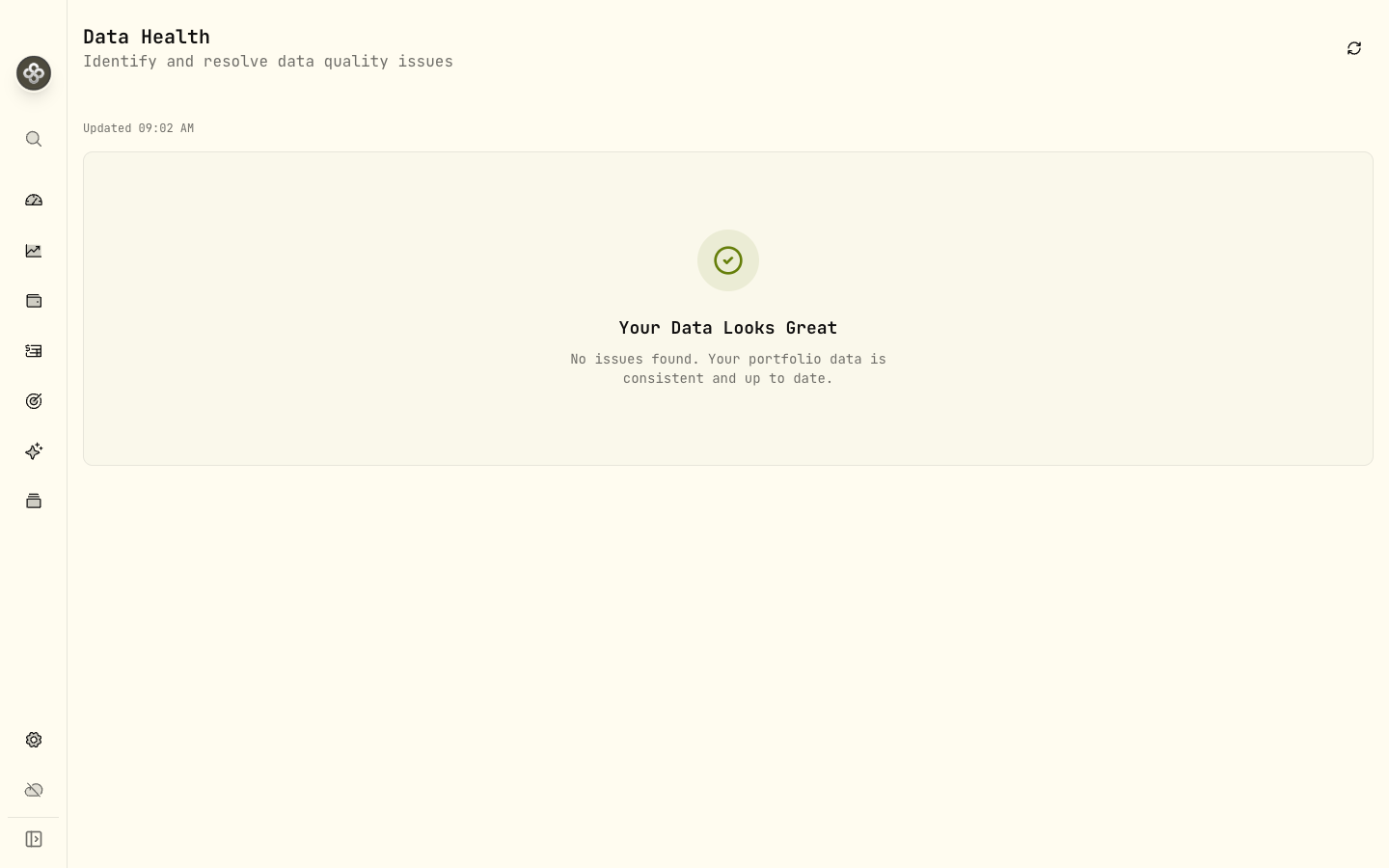
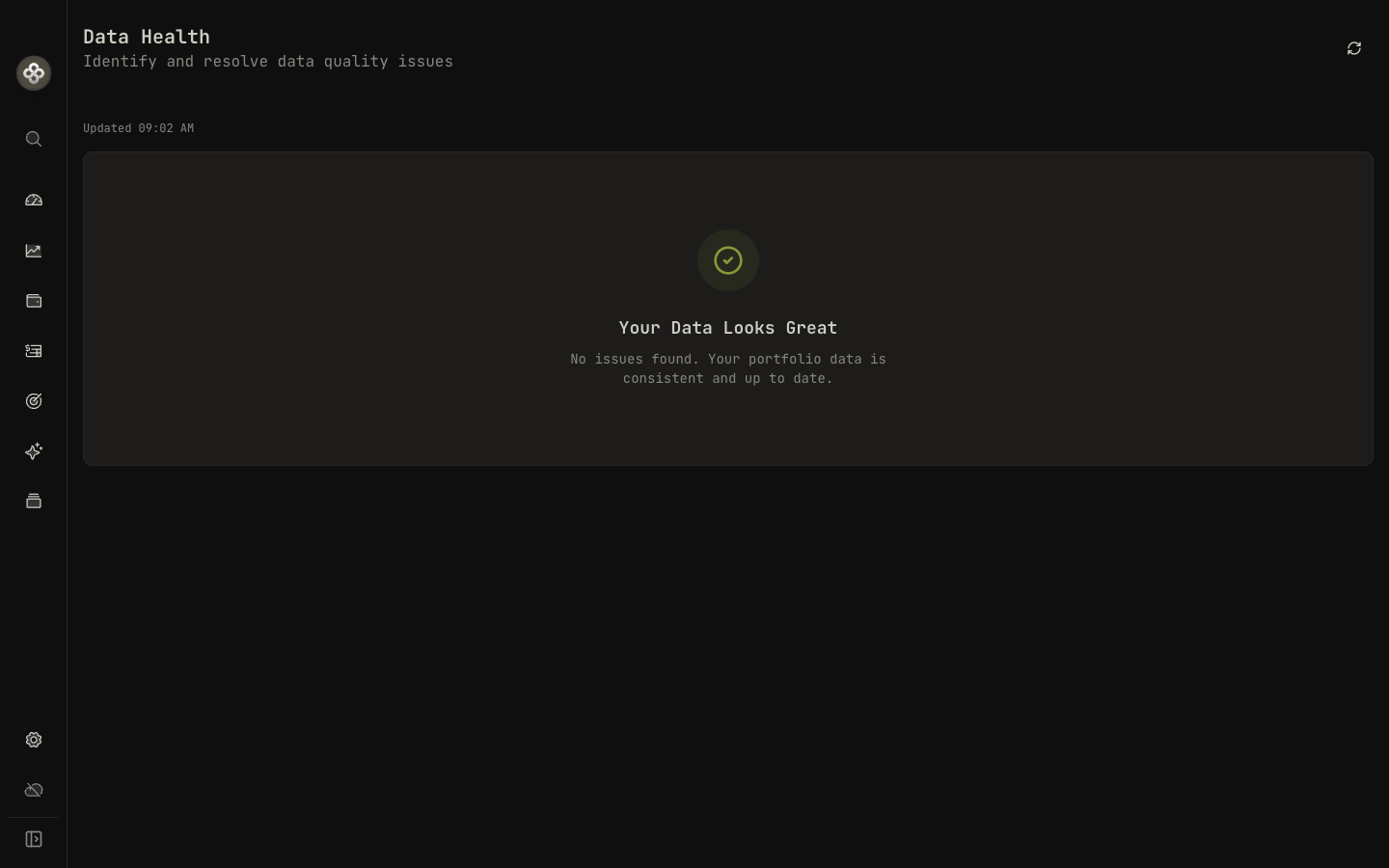
The Health Center is the place to start when something looks off — a number doesn’t add up, a holding shows a strange spike, an account has negative cash. It runs a series of checks against your portfolio across five categories and proposes fixes for whatever it finds.
1 · What gets checked
Findings are grouped into severity tiers (Info, Warning, Error, Critical) and
five categories:
Data consistency
Things that don’t add up internally.
- Orphan activity → account — an activity references an account that no longer exists.
- Orphan activity → asset — an activity references an asset that no longer exists.
- Negative position — a holding shows a negative quantity (you’ve sold more shares than you bought; usually means a missing BUY or TRANSFER_IN).
- Negative cash balance — cash on an account has gone below zero. Usually means a BUY ran without a matching DEPOSIT or TRANSFER_IN.
- Negative account balance — the account’s total balance is negative, often a symptom of the issues above.
- Legacy classification — an asset is still using the pre-v2 classification scheme and should be migrated.
Quote sync
- Quote sync errors — a market-data provider returned an error for one or more assets on the last refresh. Triggers the Retry Sync auto-fix.
Price staleness
- Stale price (warning) — last quote is more than 24 hours old (configurable).
- Stale price (critical) — last quote is more than 72 hours old (configurable).
Both trigger the Sync Prices auto-fix for the affected assets.
FX integrity
- Missing FX rate — an activity in a non-base currency has no exchange rate for its date.
- Stale FX rate (warning) — last FX point for a currency pair is more than 24 hours old.
- Stale FX rate (critical) — last FX point is more than 72 hours old.
All three trigger the Fetch Exchange Rates auto-fix.
Classifications
- Missing classification — an asset has no sector / region / asset-class classification, so it doesn’t show up in allocation breakdowns.
- Legacy classification — covered above; surfaces the Migrate Classifications auto-fix per-asset, plus a Start Migration action that processes all legacy classifications at once.
Account configuration
- Uninitialized tracking mode — the account hasn’t been set to Holdings or Transactions mode yet. Affects how performance is computed.
- Missing timezone — needed for daily-close performance math.
- Invalid timezone — the configured timezone string isn’t recognized.
- Timezone mismatch — the account’s timezone differs from the portfolio default in a way worth confirming.
2 · Running checks
Open Settings → Health Center (or Tools → Health Center from the menu on mobile). Checks run on demand; click Run all checks or pick a category.
Each finding shows:
- A description of what’s wrong.
- The affected account, asset, or activity (with a View link to jump to it).
- A Fix button when an auto-fix is available.
- A Dismiss button to acknowledge expected findings. Dismissals are tied to the data’s current hash, so the issue re-surfaces automatically if the underlying data changes.
3 · Auto-fixes
The auto-fix actions Wealthfolio knows how to execute:
| Action ID | Label | What it does |
|---|---|---|
sync_prices | Sync Prices | Re-fetches the latest quotes for the affected assets. |
fetch_fx | Fetch Exchange Rates | Pulls missing or stale FX rates for the affected currency pairs. |
retry_sync | Retry Sync | Retries the last failed market-data sync for the affected assets. |
migrate_classifications | Migrate Classifications | Upgrades legacy asset classifications for the listed assets. |
migrate_legacy_classifications | Start Migration | Kicks off a portfolio-wide migration of legacy classifications. |
If an issue doesn’t have an auto-fix, it still includes a Navigate action that takes you to the right page to fix it manually (e.g. an asset detail page for a missing classification, or the Activities page filtered to a specific account for orphan activities).
4 · Configuring thresholds
The default thresholds are tuned for typical use:
| Setting | Default |
|---|---|
| Stale price → Warning | 24h |
| Stale price → Critical | 72h |
| Stale FX → Warning | 24h |
| Stale FX → Critical | 72h |
| Market-value escalation | 30% |
| Classification warn → error | 5% of portfolio MV |
These live in the Health Center configuration and can be adjusted if your portfolio needs different sensitivity.
5 · When to run it
Good moments to open the Health Center:
- After a big CSV import — catches mapping mistakes early.
- When a metric on the dashboard looks wrong.
- After upgrading to a new major version — schema changes occasionally surface pre-existing data quirks.
- Periodically if you have many accounts — even a few stale quotes or missing FX points can throw off totals.
6 · What it doesn’t do
The Health Center checks internal consistency — does the data Wealthfolio has add up? It can’t:
- Validate against your broker. If your broker shipped wrong data, the Health Center won’t know. Compare against a brokerage statement.
- Predict the future. A stale-quote check tells you the price is old, not what the right price is.
- Fix classification meaning. It can migrate legacy classifications and flag missing ones, but it doesn’t decide that AAPL belongs to the Technology sector — you do.
Next step: If the Health Center keeps flagging the same issue and you can’t tell what’s causing it, post in Discord with a screenshot of the finding.